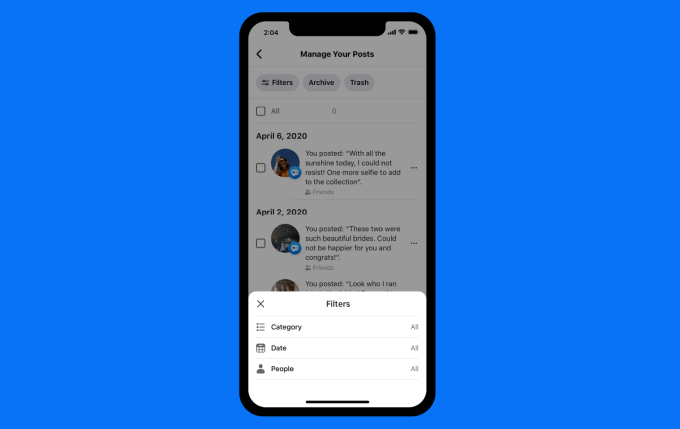

Deleting the Old Facebook posts in bulk can be challenging while you are making it at once. Facebook does not give you the option to delete multiple posts that are on a page, you have to delete the posts one by one.
How to Bulk Delete Facebook Posts
Go to Facebook Creator Studio: https://business.facebook.com/creatorstudio/content_posts
- Check the first box of posts you want to delete
- Hold down Shift
- Scroll vertical bar down to the bottom of all posts
- Select the last post checkbox with the Shift key still held down.
- Click delete.