
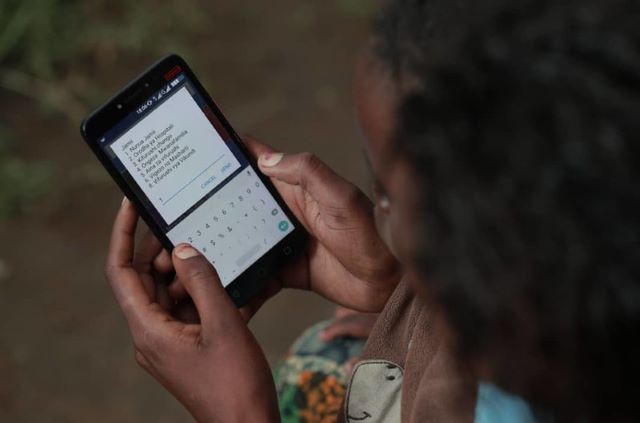

You can easily check mobile numbers that have been registered with your National ID number by simply dialling *106# on any number.
Here’s how to do it using USSD Code *106#;
Checking numbers registered under your ID Card
- On your phone dial *106#
- Choose Check my numbers Option
- The screen will be shown numbers registered under your ID
- You will also receive an SMS from Safaricom on the same.


1 Comment
Michael uzale
07/11/2021 - 14:00Nataka kujua salio langu la NSSF Kupitia email yangu no ni 37490222