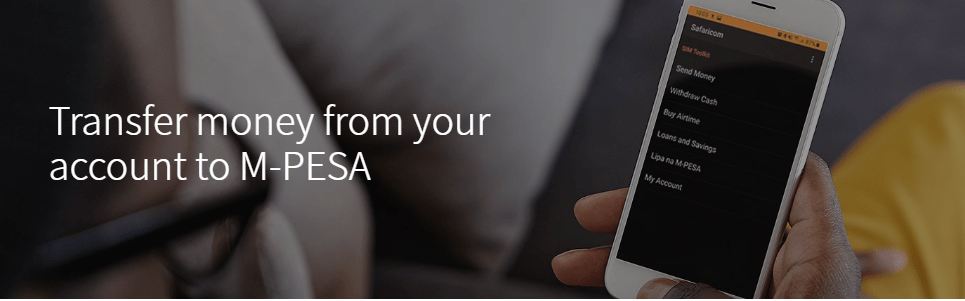

You can easily withdraw money from your Family Bank account to M-PESA using your PesaPap mobile App or using USSD code *325#.
Using PesaPap App
- Go to play store and download Pesapap App
- Login to PesaPap Mobile Banking
- Select M-PESA Option
- Choose Family Bank to M-PESA option and select ‘to own number’ or ‘to other mobile’ option.
- Complete the transaction details and submit.
- The Beneficiary will receive notification from M-PESA
- USSD *325#
Dialling *325#
- Dial *325#
- Login
- Select M-PESA Option
- Choose Family Bank to M-PESA option and select ‘to own number’ or ‘to other mobile’ option
- Complete the transaction details and submit.
- The Beneficiary will receive notification from M-PESA
Also read: How to deposit money to Family Bank account via M-Pesa